Is YouTube to MP3 Safe? Risks, Checks & Fixes (2026)
Is YouTube to MP3 safe? It depends on the site — and most “safe converter” lists will not help you. They go stale the moment a clean site gets sold or a clone domain appears. The better skill: verify any converter yourself in about a minute. This guide covers the real risks, a 60-second safety check, YouTube’s actual audio limits, and a recovery plan if you already clicked the wrong button.
Quick Answer: Is YouTube to MP3 Safe?
Yes — if you pick the right tool and check it first. Conversion itself is harmless: a server or app processes a file. The risk sits in everything around it: ad networks, fake buttons, clone domains, and bundled installers.
Desktop apps from known vendors and ad-free, donation-run sites sit at the low-risk end. Free converters with pop-ups, redirects, and notification prompts sit at the high-risk end.
What “Safe” Actually Means
Most articles never define the word. Run every converter against four tests:
- Clean output. You asked for an MP3, and the site delivers an MP3 — never an .exe, .apk, .dmg, or .zip.
- No data grabs. The tool works without your email, phone number, login, or card details.
- No hijacks. No new tabs, no redirect chains, no notification prompts.
- Honest quality. The site admits that output depends on the source.
Fail one test, fail entirely. Move on.
The Four Risks That Actually Hurt People
Fake download buttons. Ad-heavy pages show three or four Download buttons; only one is real. The rest push installers or browser extensions.
Notification spam. A converter never needs to send notifications. That permission lets ad networks push scam alerts to your desktop long after you leave.
Clone domains. Popular converters get copied, and the clone looks identical but serves malware. Sites that jump domains train users to stop checking — exactly when clones win.
Fake quality. Many sites label every file “320kbps” while upscaling low-quality audio. The next section shows the numbers.
The 320kbps Myth: What YouTube Actually Sends
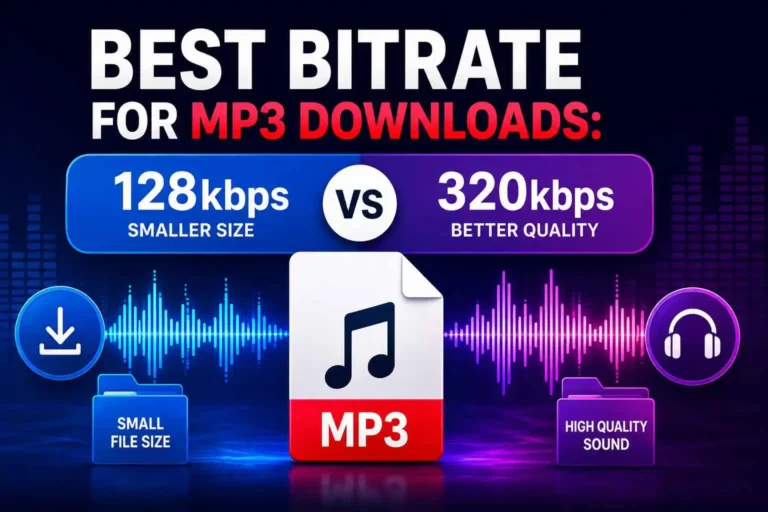
YouTube stores audio at roughly 128kbps AAC for standard streams, with Opus streams near 160kbps on many videos. No converter can beat that ceiling, because the detail was never uploaded.
A “320kbps” MP3 from YouTube holds the same audio in a bigger file — you pay in storage and gain nothing in sound. For a deeper breakdown of which bitrate actually fits your use case, see our guide on choosing MP3 settings for music, speech, lessons and podcasts.
Tools that admit this earn trust. Tools that promise studio quality from any link fail the honesty test.
How to Check Any Converter Yourself (60 Seconds)
- Scan before you visit. Paste the site’s URL into VirusTotal. Multiple engines flagging malware means you close the tab.
- Watch the permission asks. Leave if the site wants notifications, an extension, an account, or a card number. A link-to-MP3 tool needs none of these.
- Inspect the first file. Convert one short video. The download must end in .mp3 or .m4a, with a name that matches the video title.
- Spot-check the quality. Open the file in Spek, a free spectrum analyzer. Real high-quality audio shows energy up to 20kHz; an upscaled 128kbps file cuts off flat near 16kHz.
- Confirm the domain. Search the tool’s name on Reddit. Active communities track the official domain and flag fakes fast.
Repeat this check every few months — a site that passed in January can fail by June.
Already Clicked Something Bad? Do This Now
You downloaded an .exe or .apk. Do not run it. Delete the file, empty the recycle bin, and run a full antivirus scan. Already ran it? Change your browser-stored passwords after a clean scan.
You allowed notifications. Open browser settings, find the notifications list, and remove the site. The spam stops immediately.
You entered a password or card number. Change that password everywhere you reuse it, and call your bank if a card was involved.
Pop-ups keep appearing. Remove any browser extension you did not install yourself.
Is YouTube to MP3 Safe on iPhone and Android?
iPhone
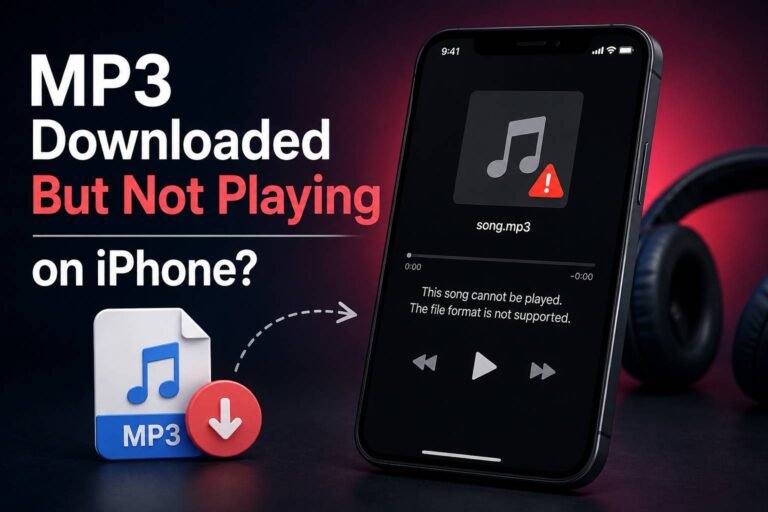
Mostly, yes. iOS blocks the installer tricks that hurt desktop users, and Safari saves conversions to the Downloads folder in the Files app — check there before you blame the site. Your real risks are scam redirects and calendar spam. If a conversion isn’t working at all on your phone, our step-by-step guide to converting YouTube to MP3 on iPhone walks through the correct process from scratch.
Android
Only with discipline. Some converters push “Download our app” prompts, and that APK file bypasses the Play Store’s checks. Decline every one of them.
Is It Legal to Convert YouTube to MP3?
YouTube’s Terms of Service bar downloading unless the service expressly allows it — through a download button or YouTube Premium — or you hold permission from the rights holder. Your own uploads, public-domain works, and Creative Commons content sit on safe ground.
Enforcement has targeted sites, not individuals. Record labels sued the stream-ripping site youtube-mp3.org in 2016, and it shut down a year later; the RIAA has pursued other operators since. The EFF argues that format-shifting content you have rights to is not inherently illegal.
Stay honest with yourself here: “no one has sued a user” is a fact. “Downloading is allowed” is not. For the full breakdown of what actually counts as a legal download, see our complete guide on how to convert YouTube to MP3 legally.
Can YouTube Punish Your Account?
No verified wave of account bans exists for personal converter use. What users actually hit are IP-level rate limits and the “Sign in to confirm you’re not a bot” wall — both temporary, both aimed at heavy automated traffic.
If every converter fails for you at once, your IP likely got flagged, not your account. Switching from WiFi to mobile data usually confirms it in a minute.
Why Safe Sites Go Bad
Anyone who asks “is YouTube to MP3 safe” deserves an answer that still works next month — and lists age badly. YouTube changes its delivery systems and breaks tools overnight. Legal pressure forces domains to rotate. Profitable tools get sold, and new owners often bring in the aggressive ad networks the site once avoided.
Check when a reviewer last tested the tool. That date matters more than any star rating.
30-Second Checklist Before Every Conversion
- The URL passes a VirusTotal scan
- One Download button on the page, not four
- No notification, extension, or sign-up prompts
- The tool states quality limits honestly
- The video is yours, permitted, or public-domain
- The file lands as .mp3 or .m4a with the right title
FAQs
Is YouTube to MP3 safe in 2026?
Yes, with the right habits. Scan the URL, refuse extra permissions, and inspect the first file — the 60-second check above covers all three.
Do I need a VPN for converters?
No. A VPN hides your IP from the site but does nothing against malware files or fake buttons. Some converters also distrust VPN traffic and trigger extra bot checks.
Why does a converter ask to send notifications?
To sell your attention. Ad networks buy that permission and push scam ads to your desktop. Every legitimate converter works without it.
The Bottom Line
So, is YouTube to MP3 safe? Yes — when you treat safety as a habit, not a list. Scan the URL, refuse every permission ask, inspect the first file, and re-check old favorites. Two minutes of verification beat hours of malware cleanup.